Run your Wi-Fi business.

Manage hotspots, sell vouchers and accept mobile money.

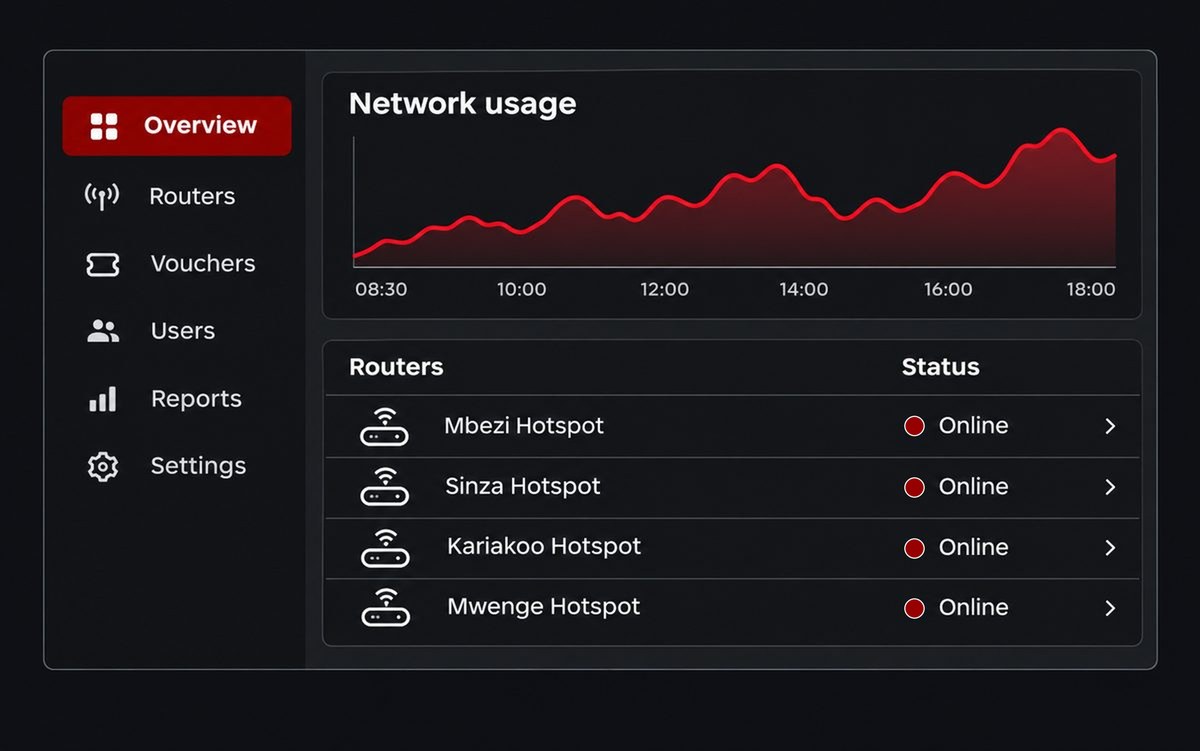
Illustration of the Netika dashboard: a menu with Overview, Routers, Vouchers, Users, Reports and Settings, a red network usage chart, and four sample hotspots in Dar es Salaam shown online
  • Built for hotspot operators in Tanzania
  • Works with MikroTik
  • Mobile money payments
  • Vouchers and packages
  • Prices in TZS

Hotspot and PPPoE subscribers, one account.

Run a pay-as-you-go hotspot, monthly PPPoE subscribers, or both from the same business account, each in its own workspace.

Pay as you go

Hotspot billing

Available now

  • MikroTik hotspot routers, set up with a script Netika gives you
  • Packages and printed vouchers, sold by you or your agents
  • Customers pay by mobile money into your Netika wallet
  • Sales, customers and router health for every location
Monthly subscribers

Home and business internet

Available now

  • Customers with their contact, service address, plan and router
  • Internet plans with a speed, a price in your currency and a billing period
  • Billing: who has paid and who is due, with the cash and bank payments your staff record
  • PPPoE connection management on your MikroTik, alongside a hotspot if you run one

Subscriptions on MikroTik PPPoE, billed monthly. Looking for internet at home or at work? Choose your local provider and apply on their page.

Apply for home or business internet

Your routers, sales and team in one place

Six things you run from Netika every day.

Routers & locations

See which routers are online, how long they have been up and who is connected, across every location.

  • Packages & vouchers

    Set time and data packages at your own prices, then print or share voucher codes for customers to redeem.

  • Mobile Money & withdrawals

    Customers pay with mobile money on their own phone. You withdraw your earnings to Mobile Money, protected by your PIN.

  • Your branded login page

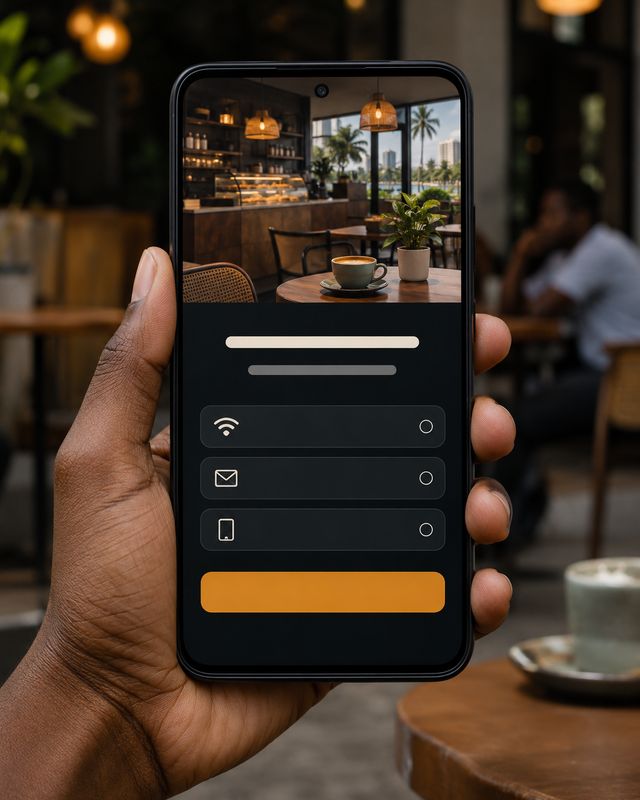
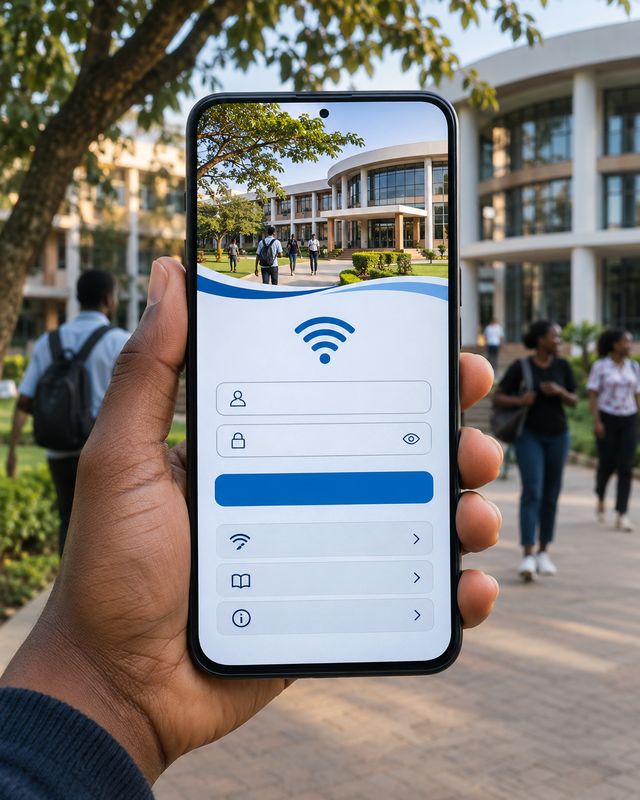
    Customise the page customers see when they join your Wi-Fi: your photo, name, colours and support number.

  • Sales & reports

    Follow sales by package, busy hours and data use, for the whole business or one router.

  • Team & agents

    Give staff and voucher agents their own logins, with access limited to what their role needs.

  1. See which routers are online, how long they have been up and who is connected, across every location.

  2. Set time and data packages at your own prices, then print or share voucher codes for customers to redeem.

  3. Customers pay with mobile money on their own phone. You withdraw your earnings to Mobile Money, protected by your PIN.

  4. Customise the page customers see when they join your Wi-Fi: your photo, name, colours and support number.

  5. Follow sales by package, busy hours and data use, for the whole business or one router.

  6. Give staff and voucher agents their own logins, with access limited to what their role needs.

Illustrative sample data

See Netika at work

One dashboard for the whole business

Revenue, router status, active users and recent activity in a single connected view.

  • Live revenue & sales

  • Router health at a glance

  • Recent customer activity

Your hotspots. One connected platform.

Every hotspot location reports to one place. Choose a location to see whether it is online, how many people are connected, and how the router is holding up.

Central CaféOnline · 18 usersCampus HotspotOnline · 27 usersMarket Wi-FiOnline · 12 usersGuest House NetworkOfflineCommunity HubOnline · 15 users
Central CaféOnline · 18 usersCampus HotspotOnline · 27 usersMarket Wi-FiOnline · 12 users

Choose a location to see its details

Selected location

Central Café

Last seen just now

Online

Active users

18

Uptime

12d 4h

Data used

312.6 GB

CPU

34%

Memory

51%

Illustrative sample data — not a live account

Paid with Mobile Money. Online seconds later.

Mobile moneyApproved on the customer's phonePIN never shared

5. Money in your wallet

The sale lands in your wallet, less Netika's 8% fee, ready to withdraw to Mobile Money.

  1. Choose a package

    Your customer joins your Wi-Fi and picks a plan on your login page.

  2. Pay with Mobile Money

    They enter their mobile money number and approve the prompt on their own phone. The PIN never touches Netika.

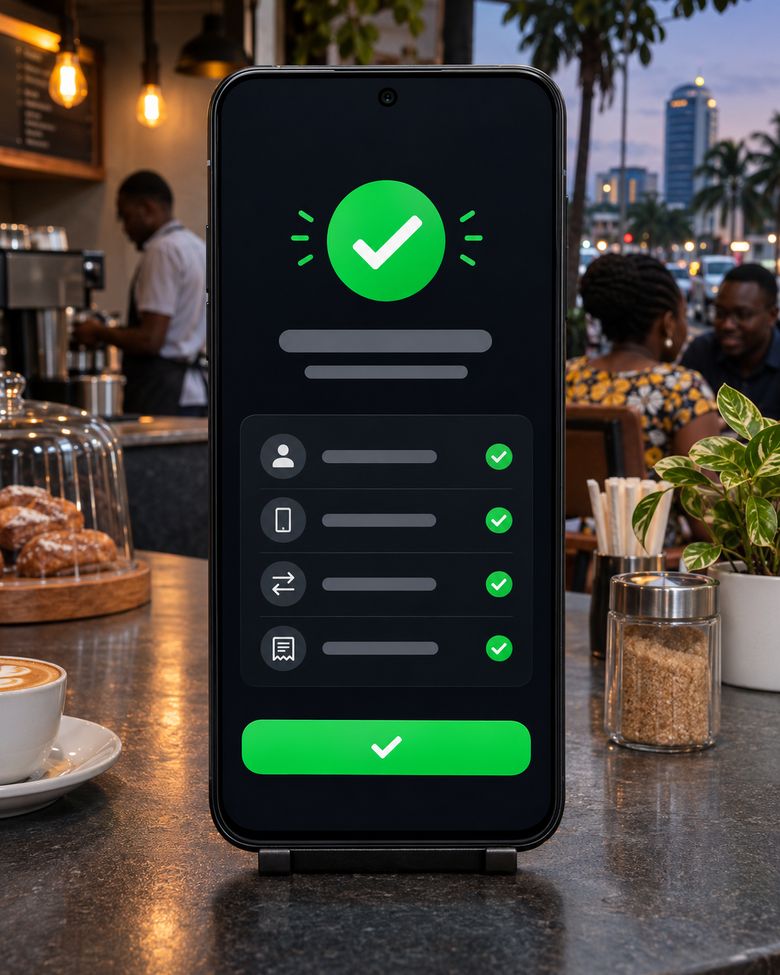
  3. Payment confirmed

    Netika confirms the payment with the provider and records the sale.

  4. Internet switches on

    Their device is connected for the time or data they bought. Nobody has to tap connect.

Live in three steps

You need a MikroTik router and an internet connection. Netika gives you the setup script and checks the connection.

1

Connect your router

Add and configure a supported MikroTik hotspot router.

2

Create packages and payment options

Set durations, prices, vouchers and supported customer payment methods.

3

Monitor and grow

Track users, sales, revenue, transactions and router performance.

Built for how Wi-Fi is sold in Tanzania

Netika fits how internet businesses actually run day to day — from voucher sales to router-level revenue reconciliation.

Prices in Tanzanian shillings
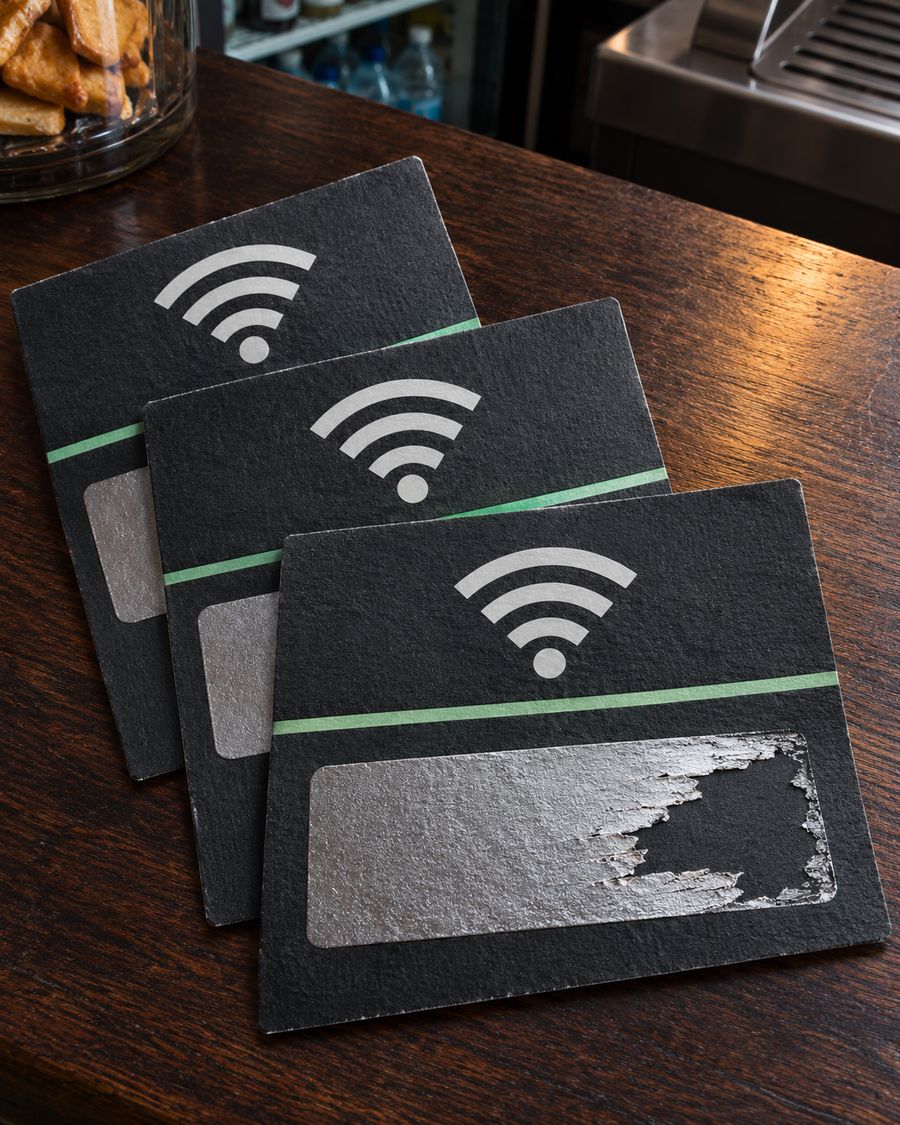
Voucher codes for cash sales
Mobile money on the customer's own phone
Reports for each location
Sell through voucher agents
All your routers in one dashboard

Netika

Revenue today

TZS 286,500

Routers

11/12

Active users

64

Routers

Central Café

Online

Campus Hotspot

Online

Recent

Demo Customer 01

TZS 2,000

Controls for your money and your staff

Practical safeguards built into how Netika handles accounts, roles and money movement.

Secure account access

Verified accounts with email verification and protected sign-in.

Staff see only what they need

Give each team member and agent only the access their role needs.

Focus on one location

See the performance and controls for each hotspot location on its own.

Your business data stays yours

Each business sees only its own routers, customers and money.

Withdrawals need your PIN

Sending money out needs a withdrawal PIN, and only people you allow can do it.

A record of important actions

Key account and money actions are recorded, so you can see who did what.

Simple, transaction-based pricing

You set your own package prices. Netika is paid from the payments it processes for you.

  • Account

    Free

    No monthly subscription. Registration is free.

  • Mobile Money payments

    8%

    Of each customer payment: 6% Netika fee plus 2% payment provider fee. The rest goes to your wallet.

  • Voucher activation

    2%

    Of the voucher's price, charged once, the first time the voucher is used. Creating and printing vouchers is free.

  • Withdrawals

    Quoted first

    The withdrawal fee depends on the amount and is shown before you confirm.

All amounts are in Tanzanian shillings. Read the full fee terms

Frequently asked questions

Netika is a hotspot billing and network management platform. It lets you manage routers, create internet packages and vouchers, receive customer payments, monitor users and track revenue from one secure dashboard.

It's built for hotspot operators, network businesses and growing internet providers who sell Wi-Fi access and need clear visibility over routers, sales and revenue.

A customer joins your Wi-Fi, picks a package on your login page and pays with Mobile Money, or enters a voucher code. Once the payment is confirmed, their internet switches on for the time or data they bought. You set the packages, prices and payment options.

With mobile money, on their own phone, from your Wi-Fi login page. They approve the payment with their own PIN, and Netika never sees it.

Netika is built around MikroTik hotspot routers. You add and configure a supported router, then manage its packages, vouchers and reporting from the dashboard.

You need a MikroTik router with an internet connection. When you add a router, Netika gives you a setup script to paste into it and checks the connection for you. If you get stuck, our team can help on WhatsApp or by phone.

Yes. You can create voucher batches, print or share the codes, sell them through agents, and track which are available, used or expired.

Yes. Netika supports multiple routers with reports for each location, and you can focus the dashboard on one router at any time.

Yes. You can set your business name, logo, colours, a banner message and your own support number on the page customers see when they join your Wi-Fi.

Yes. You can add users and agents with role-based permissions so each person only has the access their role needs.

Customer payments land in your Netika wallet. You can withdraw to a mobile money number. Withdrawals need your withdrawal PIN, and the fee is shown before you confirm.

Registration is free and there is no monthly subscription. When a customer pays with Mobile Money, Netika keeps 8% of that payment (6% platform fee and 2% payment provider fee) and the rest goes to your wallet. A voucher is charged 2% of its price the first time it is used. Full details are in the Terms of Service.

Chat with us on WhatsApp or call 0683 490 960. Every way to reach us is on the Contact page.

Start selling Wi-Fi with Netika

Registration is free and there is no monthly subscription. Netika is paid from the sales it processes for you.

Questions first? Talk to the Netika team